How to convert VHS tapes to DVD at home
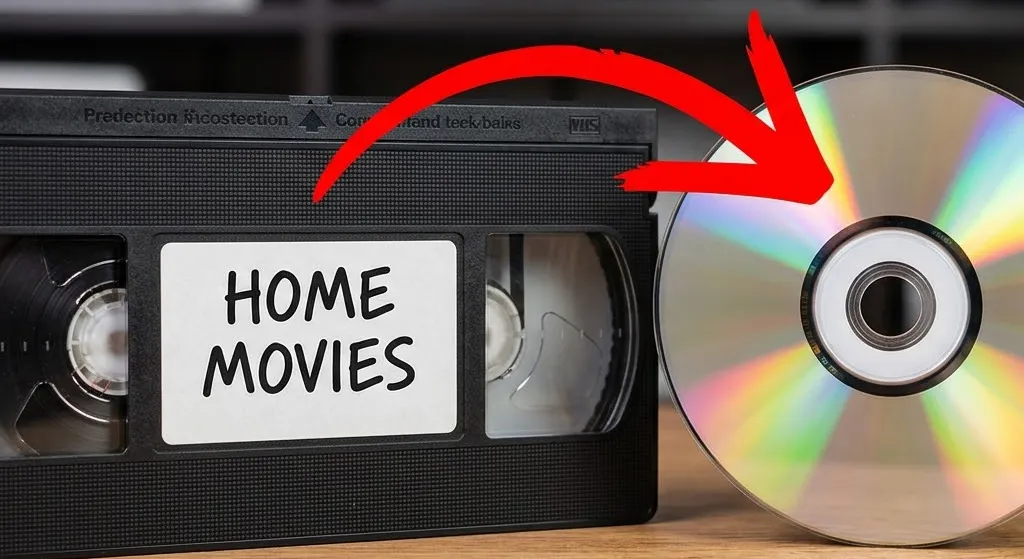
You want your old tapes on DVD so you can pop one in the player and watch family videos on the TV. No apps, no logins, no figuring out how to cast something from your phone. Just press play.
That makes sense. DVDs are familiar, and for a lot of people they’re still the most comfortable way to watch home video. Here’s how to make it happen, what it’ll cost, and a couple of things worth thinking about before you start.
First, the quick reality check
Your tapes are degrading. VHS was never a permanent format. The magnetic coating on the tape loses its signal over time, and heat, humidity, and a dusty box in the garage make it worse. Most tapes from the ’80s and ’90s have already lost some picture quality, and that process doesn’t stop.
Every time you play a tape, it wears down a little more. If your first DIY attempt doesn’t go well and you have to rewind and try again, that’s more wear on footage you can’t replace.
We covered this in more detail in our guide to converting VHS tapes to digital. The short version: whatever you decide to do, do it soon.
Method 1: VHS/DVD combo recorder
These are the simplest option. You put the VHS tape in one side, a blank DVD in the other, press a button, and it records. No computer involved at all.
The problem is that nobody makes these anymore. You’re buying a used unit on eBay, and working ones go for $100 to $300 depending on the brand and condition. They’re getting harder to find every year.
If you already have one in a closet somewhere, dust it off. If you’re buying one used, test it with a tape you don’t care about first. Used electronics are a gamble.
What you’ll spend: $100-$300 for the combo unit, plus $10-$20 for a pack of blank DVDs.
Method 2: VCR + standalone DVD recorder
If you have a working VCR, you can connect it to a standalone DVD recorder with RCA cables (the red, white, and yellow ones). Press play on the VCR, press record on the DVD recorder, and wait. A two-hour tape takes two hours. There’s no way to speed it up.
DVD recorders are also discontinued, so you’re shopping used again. But they’re usually cheaper and easier to find than combo units.
Budget $50-$150 for a used VCR (if you don’t have one) and $80-$200 for a used DVD recorder, plus blank DVDs. Two pieces of aging hardware instead of one, but easier to source.
Method 3: VCR + computer + capture device
This is the method most people end up using because the hardware is still sold new.
Here’s how it works: you connect your VCR to a USB capture device, plug the capture device into your computer, and use software to record the video as a digital file. Then you burn that file to a DVD using your computer’s disc drive.
Two capture devices worth considering:
-
Elgato Video Capture (around $80). Reliable, good color accuracy, comes with decent software.
-
Diamond VC500 (around $40). Solid budget option that gets the job done.
Skip the $15 no-name capture cards on Amazon. They’re known for driver problems, audio that drifts out of sync, and dropped frames. Not worth saving $25 when the footage on your tapes is irreplaceable.
Once you have the digital file, you’ll need DVD burning software. Most computers don’t come with this anymore, but free options like ImgBurn (Windows) or Burn (Mac) work fine. You’ll also need a computer that still has a disc drive, or an external USB DVD burner ($20-$30).
What you’ll spend: $40-$80 for the capture device, $50-$150 for a used VCR, $20-$30 for an external DVD burner if your computer doesn’t have one, plus blank DVDs.
Method 4: Standalone converter box
Devices like the ClearClick Video2Digital (around $150) let you record from a VCR to an SD card without touching a computer. You get a digital file on the card, then burn it to DVD on your computer later.
These are simpler than the capture-device-plus-software route, which makes them a decent option if you’re not comfortable installing software and configuring settings. The tradeoff is less control over the output quality.
What you’ll spend: Around $150 for the converter, plus VCR cost and blank DVDs.
Things most guides don’t mention
You need a working VCR for every method. The last VCR was manufactured in 2016. You’re buying used, and prices keep climbing. If yours breaks halfway through a stack of tapes, finding a replacement isn’t as easy as running to the store.
Inspect your tapes before playing them. Tapes that sat in a damp basement can grow mold. If you put a moldy tape in your VCR, the mold spreads to the heads, and now every tape you play through that VCR picks it up too. Look for white or gray fuzz on the tape reels before you press play.
Some tapes aren’t safe to play at all. If a tape feels sticky when you try to turn the reels by hand, or if the tape itself looks wavy or warped, forcing it through a VCR can destroy it. This is sometimes called “sticky shed syndrome,” and it needs special treatment before the tape can be played safely.
Label your tapes before you start. You’ll regret ending up with a stack of DVDs labeled “Tape 1,” “Tape 2,” “Tape 3.” Pop each tape in, watch the first 30 seconds, and write down what’s on it.
Consumer equipment copies the problems along with the video. Old tapes have timing errors, color drift, and signal wobble. Professional equipment has hardware that corrects these issues before recording. Consumer capture devices and DVD recorders don’t. Whatever is wrong with your tape gets baked into your DVD permanently.
Is DVD actually the right destination?
We wouldn’t be honest if we didn’t bring this up.
Burned DVDs have a limited lifespan. The ones you burn at home last somewhere between 5 and 15 years, depending on the disc quality and how you store them. Commercial DVDs that get pressed at a factory last much longer, but that’s not what you’re making at home.
Most new laptops don’t have DVD drives. A lot of new TVs don’t have DVD players hooked up to them either. The format is heading the same direction VHS went.
And DVDs are standard definition. Your tapes will look the same on DVD as they did when you watched them in the ’90s. The format can’t make them look better.
If you’re already going through the work of capturing your tapes, save the digital files (MP4) as your primary copy and burn DVDs as a bonus for the TV. The MP4 lives on your computer, your phone, the cloud, wherever you want it. The DVD is for Grandma’s living room. Our VHS to digital guide walks through that side of it.
When DIY works, and when it doesn’t
DIY makes sense if you have a handful of tapes, a working VCR, and you don’t mind spending a few weekends on it. The per-tape cost drops fast once you own the equipment.
It gets harder to justify when you have a large collection, tapes that might be damaged, or footage that’s truly irreplaceable. Every failed capture attempt wears the tape down a little more. Consumer equipment can’t fix the picture problems that come with 30-year-old tape. And if something goes wrong with a damaged tape, you might not get a second chance.
Professional services use commercial-grade equipment that pulls a cleaner signal and corrects timing errors before recording. Some services, including ours, also restore the picture so it actually looks better than what’s on the tape.
If you’ve got a box of tapes and you’d rather hand the whole thing off, that’s what we do. No pressure either way. Just don’t let them sit in the closet for another decade.
